Controls & Commissioning
Smart ethanol fireplace integration: define authority before automation
A real-flame appliance should not be treated like a decorative lamp in a generic smart-home scene. Useful integration begins by defining who may request ignition, which local conditions must be satisfied, what status is returned, how faults override commands, and what happens when power, radio, internet, an app, or a cloud service fails.
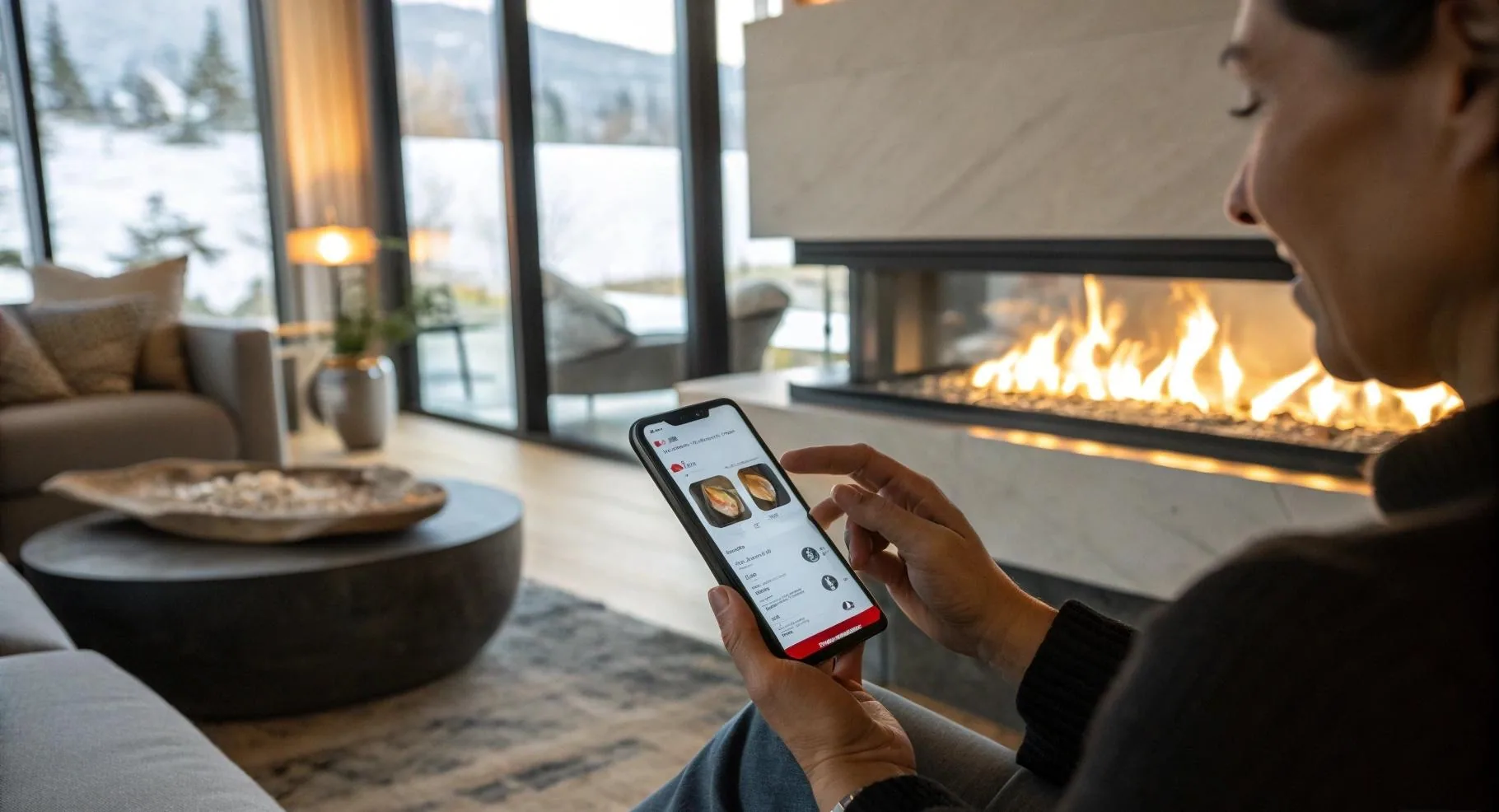
Compatibility boundary: SEFIRE product categories may offer physical-button, remote, app, or smart-home functions, but the available interface varies by model and quoted control package. This page does not claim a universal open API, protocol, voice assistant, gateway, or third-party-platform compatibility.
Direct answer
A smart ethanol fireplace can be integrated only to the extent documented for the exact product. "Smart" may mean an app paired directly to the unit, a supplied remote, a cloud-connected module, a smart-home gateway, dry-contact inputs, or another defined interface. These are not interchangeable. A project must obtain the interface specification before the controls contractor writes a sequence or the sales team advertises compatibility.
The safest architecture keeps flame supervision and protective decisions inside the local product controller. An external system may request a permitted action, but it should not bypass fuel-level checks, temperature protection, tilt or overflow logic where fitted, ignition verification, shutdown logic, or other product safeguards. The appliance remains the final authority over whether a command can execute.
Use a five-layer control hierarchy
- Physical isolation and emergency action. The project needs a defined way to remove power or perform the emergency action required by the product and local design. Its location, label, access, and effect must be documented.
- Onboard product controller. This layer runs ignition, flame state, fuel management, sensors, faults, and shutdown. It is the safety authority for the functions designed into the unit.
- Local user controls. Physical buttons or a supplied remote provide normal commands within the product's permitted logic. They should remain available according to the manual even if an app or network is unavailable.
- Manufacturer-supported app or gateway. This layer may add authorized remote control, status, settings, or updates. Its account, radio, region, and firmware requirements must be confirmed.
- Third-party smart home or building system. This top layer orchestrates rooms and schedules. It must use an approved interface and must accept that the product can reject or terminate commands.
Problems arise when the top layer is assumed to own the flame. A building platform can lose network state, show stale data, retry commands, or be reconfigured by someone who does not understand the appliance. The integration contract must prevent those conditions from creating an unsafe or misleading result.
Write an interface contract before ordering
The controls contractor, fireplace supplier, electrical designer, client, and operator should approve a short interface schedule. It should answer the following:
| Interface subject | Questions to resolve | Evidence |
|---|---|---|
| Commands | Start request, stop, flame level, lockout, reset, timer: which are actually supported? | Model interface document and manual |
| Status | Off, ready, igniting, running, cooling, fault, low fuel, unavailable: which states are returned? | Point list, app behavior, and test result |
| Authority | Which local conditions reject an external command, and which stop actions have priority? | Sequence of operation and fault matrix |
| Communication | Radio type, frequency/region, range, gateway, internet, cloud, ports, credentials, and ownership? | Quoted control configuration and IT approval |
| Failure behavior | What occurs on power loss, network loss, gateway loss, app logout, stale status, or server outage? | Manufacturer statement and commissioning test |
| Lifecycle | Account transfer, firmware updates, phone replacement, support period, spare module, and decommissioning? | Handover and support documentation |
Without this contract, the word "integration" can mean only that both products have phone apps. Two apps on one phone are not an integrated control system.
Do not promise commands without status
A one-way start contact is not equivalent to full control. If an external platform issues a command but cannot confirm whether the appliance accepted, rejected, completed, or faulted, the user interface can misrepresent the real state. At minimum, decide how the system distinguishes command sent, command accepted, appliance running, shutdown in progress, and unavailable.
Status must also have an age. A platform showing "off" from yesterday is not current evidence. Define timeout behavior: when communication is lost, the interface should show unavailable or unknown rather than a reassuring stale state. The required logic depends on the approved interface, but the principle is universal: uncertainty should be visible.
Remote ignition needs a stricter rule than remote shutdown
Stopping a flame and starting one are not symmetrical actions. A start request can create an ignition source in a room that the remote user cannot inspect. Furniture may have moved, maintenance may be in progress, fuel may have been mishandled, a protective panel may be removed, or a person may be close to the opening. A convenient scene such as "arrive home" should not automatically imply that unattended ignition is acceptable.
Define whether the project permits remote ignition at all. If it does, identify the authorization, site-presence, confirmation, timeout, occupancy, lockout, and visual-inspection conditions required by the exact product and local project. A schedule should never override a local fault or service lock. Remote stop should remain available through supported methods, but it does not replace the physical emergency and isolation plan.
Map every failure state
Good integration is visible when something fails. Test and document at least these conditions:
- Power fails while the appliance is off, igniting, running, and cooling.
- Power returns after each of those states. Do not assume or permit automatic restart unless explicitly designed and approved.
- Wi-Fi, local radio, gateway, internet, or cloud service becomes unavailable.
- The app is force-closed, logged out, reinstalled, or moved to a replacement phone.
- The user sends repeated or conflicting commands from two control points.
- The external controller sends a start request during a local fault, low-fuel condition, service lock, or other inhibit.
- Status is delayed, duplicated, or absent.
- A firmware update is interrupted or changes pairing.
- The building automation controller reboots and restores its last scene.
- A guest, former employee, installer, or previous owner retains account access.
The expected result should be written before the test. "System appeared fine" is not commissioning evidence.
Network and account design
Determine who owns the app account and gateway. A contractor's personal email is unsuitable for a hotel or long-term property handover. Use the client's approved account structure, record recovery methods, enable supported security controls, and remove temporary installer access after acceptance. Document how ownership changes when a property is sold or an operator changes.
Place connected equipment on the network segment approved by the client's IT team. Do not promise that the unit can join enterprise Wi-Fi, captive portals, isolated guest networks, or networks that block required outbound services without confirmation. Record radio band, signal conditions at the actual installation, gateway position, and any dependency on cloud service.
Firmware is part of the product configuration. Record the commissioned version and update method. An update should not be applied to a live hospitality deployment without change control, release information, a maintenance window, and a recovery route. Keep the exact module and app identity in the asset register.
Regulatory and market configuration
Wireless products are subject to market-specific requirements. In the European Union, the Radio Equipment Directive 2014/53/EU establishes a regulatory framework for placing radio equipment on the market. Its scope includes safety, electromagnetic compatibility, radio-spectrum use, and other applicable requirements. A project should review the declaration and evidence for the exact radio configuration and market rather than treat a generic CE mark image as proof for every variant.
Other destinations have different radio, electrical, product, labeling, and language requirements. Changing a wireless module, antenna, power supply, firmware, frequency, or app service can affect the evidence package. Private-label buyers should define who controls the final product identity, instructions, declarations, technical file, and post-market support.
Separate feature claims from safety evidence
App control, voice compatibility, over-the-air updating, five flame levels, and smart-home support are features. Fuel sensing, temperature protection, tilt protection, overflow response, ignition supervision, and shutdown behavior are safety-related functions where present. A marketing icon does not explain test method, limits, fault response, or applicable model.
Ask for a model-function matrix. It should identify standard, optional, unavailable, market-limited, and gateway-dependent functions. The quotation should name the selected package. The factory acceptance test should use that package. The website should not combine icons from several versions into one unsupported universal claim.
Commissioning test matrix
| Test | Acceptance evidence | Responsible party |
|---|---|---|
| Local start and stop | Correct sequence, state display, shutdown, and documented response time | Fireplace supplier / commissioning agent |
| External permitted commands | Each supported command executes once and reports current state | Controls integrator |
| Rejected command | Local inhibit remains authoritative and external interface shows rejection or fault | Supplier and integrator |
| Network failure | Appliance follows documented local behavior; UI shows unavailable rather than stale certainty | IT and integrator |
| Power recovery | No unapproved automatic ignition; state and controls recover as documented | Electrical and supplier teams |
| Account handover | Client owns credentials; temporary users removed; recovery process tested | Client IT / operator |
| Emergency and service lock | External start cannot override isolation, lockout, or safety condition | Commissioning authority |
What to include in the handover package
- Exact model, serial or batch identification, control module, firmware, and power data
- Approved point list, command permissions, state definitions, and sequence of operation
- Network diagram, gateway location, radio requirements, and account owner
- Local controls, physical isolation, emergency procedure, and service lockout
- Failure matrix and completed commissioning records
- App installation, account transfer, recovery, update, and decommissioning procedure
- Operator training record and restrictions on remote or scheduled ignition
- Support contact, replacement module information, and backup operating method
Related SEFIRE resources
- SEFIRE smart ethanol fireplace series overview
- RCFB Regular model and control information
- RCFB Slim model and installation information
- Ethanol fireplace clearance planning
- Outdoor ethanol fireplace operating guide
- SEFIRE technical data and corrections policy
Primary references used
- EUR-Lex: Directive 2014/53/EU on radio equipment
- U.S. Cybersecurity and Infrastructure Security Agency: Internet of Things acquisition guidance
Source interpretation: the EU directive is cited for the regulatory framework for radio equipment. CISA provides general connected-device security resources. Neither source establishes compatibility, conformity, cybersecurity, or safe operation for a particular SEFIRE configuration. Review the model-specific evidence and destination requirements.
FAQ
Can I connect the fireplace directly to KNX, Control4, Crestron, or another platform?
Only if the exact product and control package provide a documented, approved route. Do not infer compatibility from app control. Request the protocol, gateway, command list, status list, and tested integration method before design.
Can voice control start the flame?
That depends on the exact configuration and permitted operating logic. The project should apply stricter authorization and site-verification rules to ignition than to non-hazardous home automation. Never advertise a voice-start function without model-specific evidence.
What happens if Wi-Fi stops working?
The documented local product behavior should continue or transition safely, and local controls should remain available as designed. The external interface should show loss of communication. Test this condition during commissioning.
Should the unit restart when power returns?
Do not assume it should. An uncommanded flame after a power event is an obvious project risk. Confirm and test the exact recovery behavior; the integration should not replay a stale start scene.
Who should own the app account in a hotel?
The hotel or its designated operating entity should use an approved organizational ownership and recovery process. Personal installer accounts should be removed after handover.
Editorial method and corrections
This guide was substantially rewritten after an audit found that the earlier article repeated generic product-selection paragraphs and overemphasized feature labels. The revised version is based on a control hierarchy, interface contract, failure matrix, and commissioning plan. It deliberately avoids claiming a universal protocol or open API.
For a correction or model-specific control statement, email sales@sefireplace.com with the page URL, product model, destination, required platform, proposed commands and status points, and project quantity.
Need a model-specific smart control review?
Send the fireplace model, destination, required app or building platform, command and feedback list, network conditions, ignition policy, quantity, and commissioning responsibility. SEFIRE can confirm what documentation is available for the quoted control configuration.
Request Control Documentation